Features
Your team’s day, together.
Set the targets. Log the work. Practice the next conversation. See how the team is doing.
Set the day. See the work.
Daily targets, logged activity, and the board in one place.
Daily check-ins
Set targets for leads, appointments and sales. Close the day with your results and a reflection.
Activity log
Record the work as you go. Leads called, appointments and sales stay with the person who logged them.
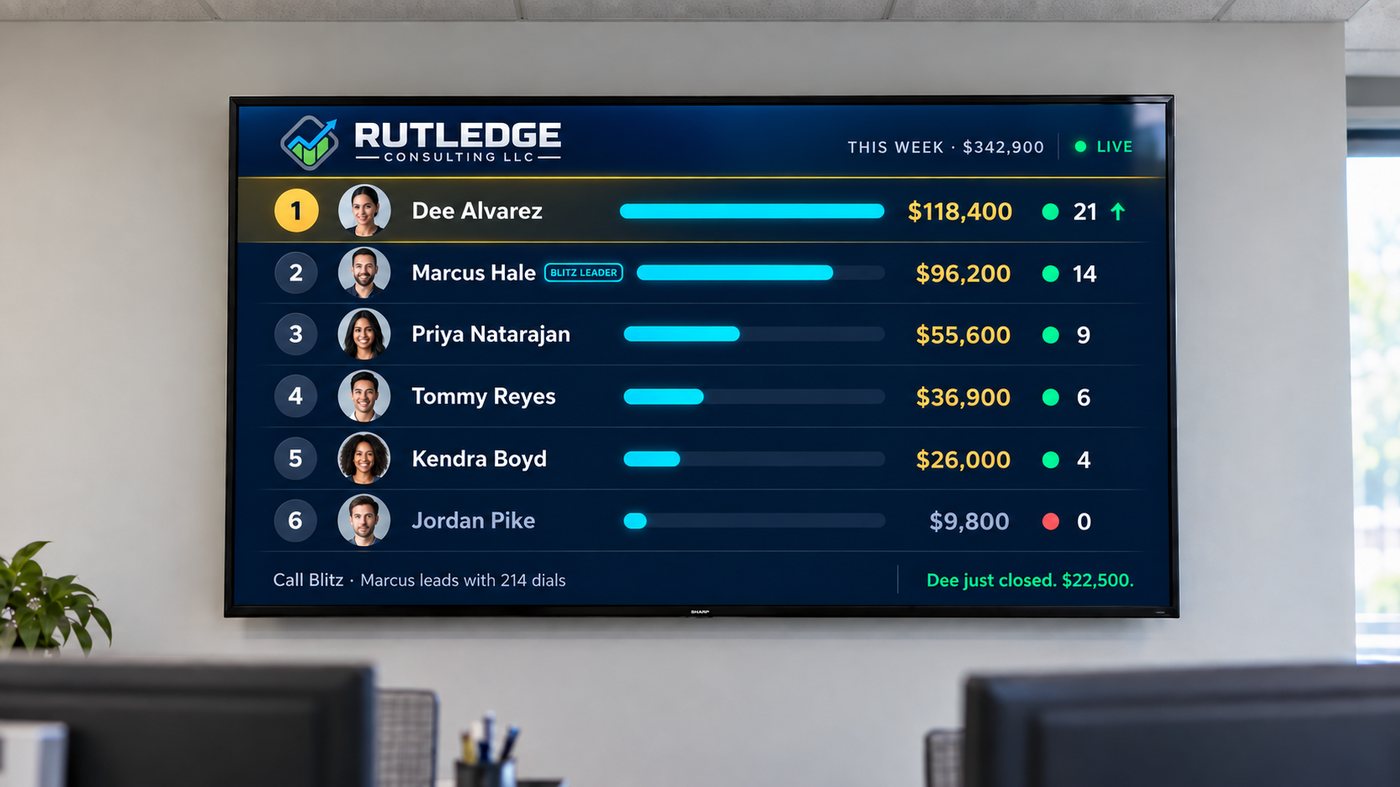
The team board
See the standings on your phone or the office TV. Choose a time window and see the team’s Sales Points.
Learn it. Try it. Go again.
Lessons and practice between real conversations.
Training
Work through lessons, take quizzes, and keep your progress. Leaders can assign training paths.
Practice conversations
Choose a scenario in The Pit and work through the conversation. Review your score, what worked, and what to fix next.
The next round
Repeat the same practice call or take the next drill from your feedback.
Read the team. Make the next call.
The numbers and the people behind them, together.
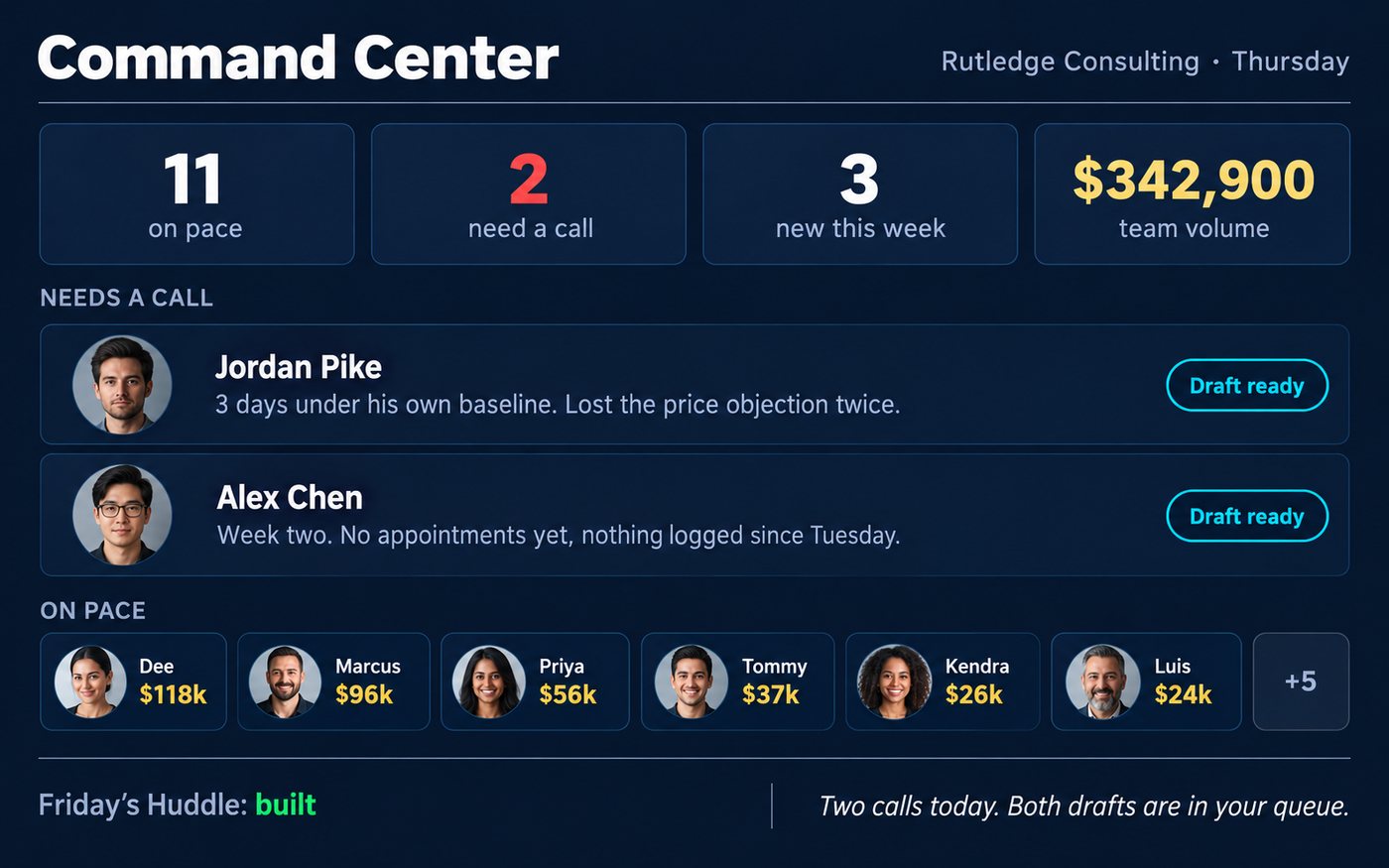
The team overview
Open Command Center for team activity, recent wins, and coaching signals.
Your assistant
Ask Sal about the team’s numbers and get a coaching draft. Review a proposed settings change and confirm it before it runs. Sal is an AI assistant, not a person, and can make mistakes.
Every feature included
$1 a day per person.
Billed monthly. Leaders count the same as salespeople.
14 days free. No card required to start.